
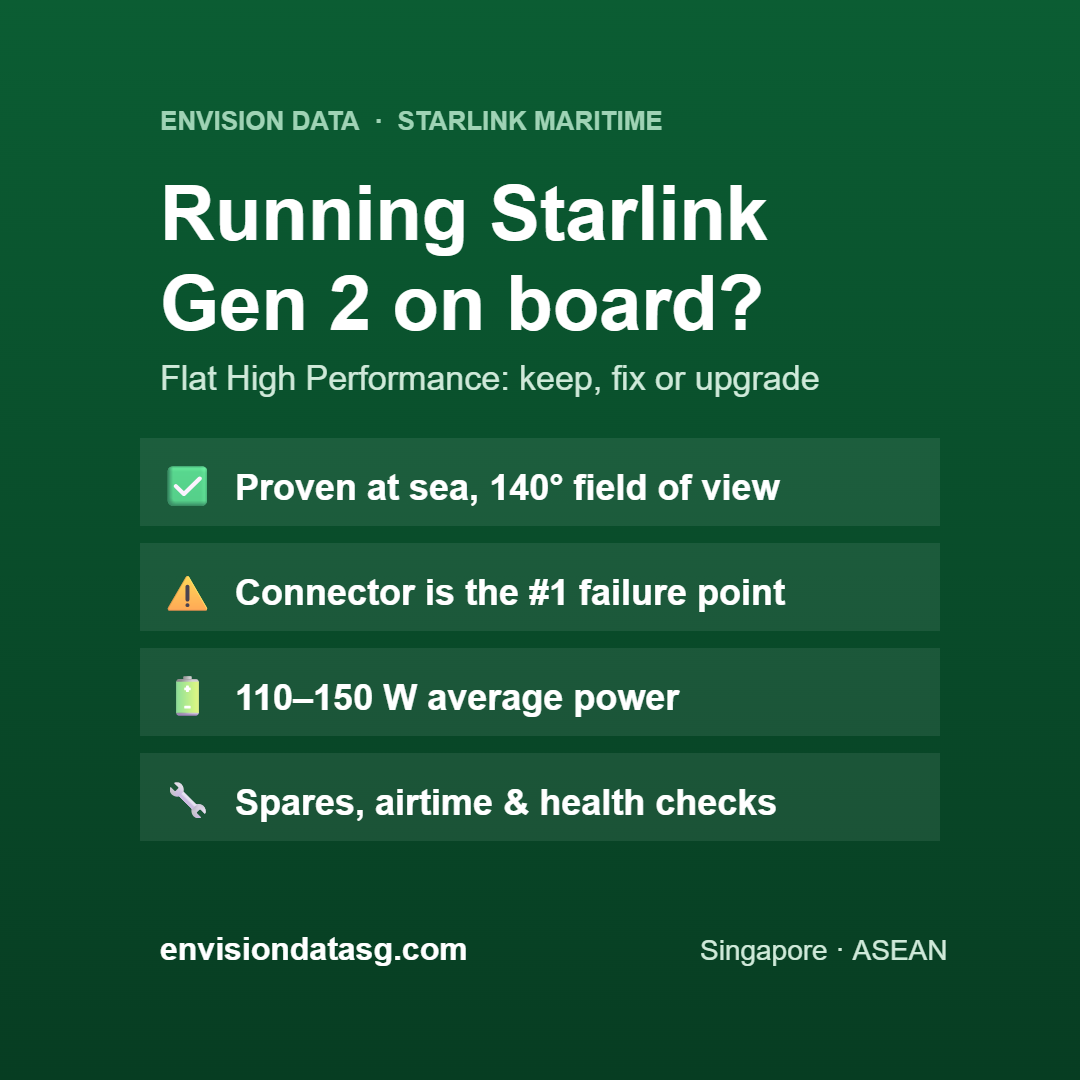
The Starlink Flat High Performance kit — often called Starlink Gen 2 or Performance Gen 2 in maritime circles — is the terminal that brought low-cost, high-speed internet to thousands of vessels. If you run one today, or you’re offered one at a good price, this guide covers what it does well, where it falls short, and how to get the most from it.
What is Starlink Flat High Performance?
It is a flat, low-profile phased-array antenna designed for in-motion use. There are no moving parts: the antenna steers its beam electronically to track Starlink’s low-earth-orbit satellites as the vessel moves and rolls. It is usually mounted on a wedge or flat mount on the wheelhouse roof, mast platform or radar arch.
Key specifications
| Dimensions | 575 × 511 × 41 mm |
| Weight | approx. 5.9 kg (up to 8.1 kg with mount) |
| Field of view | 140° |
| Water / dust rating | IP56 |
| Average power draw | 110–150 W |
| Typical download speed | up to ~220 Mbps |
| Design | Flat, in-motion rated, wedge mount option |
Published specifications. Actual speeds vary with location, weather, network load and plan.
Strengths
- Proven at sea. Widely deployed on workboats, fishing fleets, ferries and yachts, with a large base of installers and spare parts.
- Wide 140° field of view. Good sky visibility helps keep the link up as the vessel pitches and rolls.
- Low profile. Minimal windage and easy to fit where a radome would not.
- Enough bandwidth for most vessels. Around 100–220 Mbps covers crew welfare, email, video calls and remote monitoring for a typical crew.
Limitations to know
- Higher power draw. 110–150 W average matters on battery-powered or small-genset vessels.
- IP56 rating. Handles rain and spray, but it isn’t rated for the high-pressure water that newer Gen 3 units are.
- The cable connector. On exposed decks this is the most common failure point. Seal and protect it well, and carry a spare cable.
- Being superseded. Starlink’s Performance Gen 3 kit now leads its maritime line. Gen 2 stock is getting harder to find, so plan for spares and the eventual upgrade.
Installation tips for Gen 2 on vessels
- Clear sky view. Keep masts, radar and exhaust stacks out of the field of view as much as possible.
- Keep it away from radar. Mount it outside the radar beam path to avoid interference and heat damage.
- Protect the connector. Use a drip loop, self-amalgamating tape and a proper cable gland. Don’t leave the connector sitting in standing water.
- Stable power. Size your inverter or DC supply for peak draw, not just the average.
- Use a marine router. Separate crew and operations networks, and add 4G/5G failover near the coast.
Should you still buy a Gen 2 kit?
Keep it if you already have a working unit and your data needs are modest. Upgrade at your next refit or dry-dock.
Buy one only if the price is clearly lower than Gen 3 and the kit is new or verified refurbished, or if you need to match an existing Gen 2 fleet for spares.
Choose Gen 3 instead for new builds, vessels in harsh weather, or anywhere you need more bandwidth and lower power draw. See our Gen 2 vs Gen 3 comparison and Starlink Performance Gen 3 guide.
Service plans
Hardware generation and airtime are separate. Gen 2 kits work on Starlink maritime and mobility plans, including Global Priority data for offshore and ocean coverage. Envision Data supplies Global Priority airtime with local support in Singapore.
Get help with your Starlink Gen 2
Whether you need a spare cable, a health check on an existing install, airtime, or advice on upgrading, Envision Data can help. We support vessels across Singapore and ASEAN with Starlink Maritime, OneWeb, VSAT and GMDSS, backed by 20+ years in cables, telecom and satcom.

Written by Steve
Steve has over 20 years of experience in cables, telecom infrastructure and satellite communications across ASEAN. He founded Envision Data to help Singapore and SE Asia vessel operators choose and run the right maritime connectivity, from Starlink and OneWeb to Iridium, Inmarsat and GMDSS.
Leave a Reply